Emby, Jellyfin, and Plex
Prepare local movies and series with NFO files, posters, and organized folders before adding them to a media server.
Scrape local movies and series from 30+ data sources, then generate NFO files, posters, and organized folders.
Just provide a URL containing media information, and AI will intelligently extract metadata such as titles, summaries, cast and cover art.
MDC 8.2.0+ requires OpenAI-compatible configuration and Chrome.
Explore ✨ AI parsingUse MDC to organize movies and series of all kinds in batches, import them into your media library, or browse them directly in MDC.
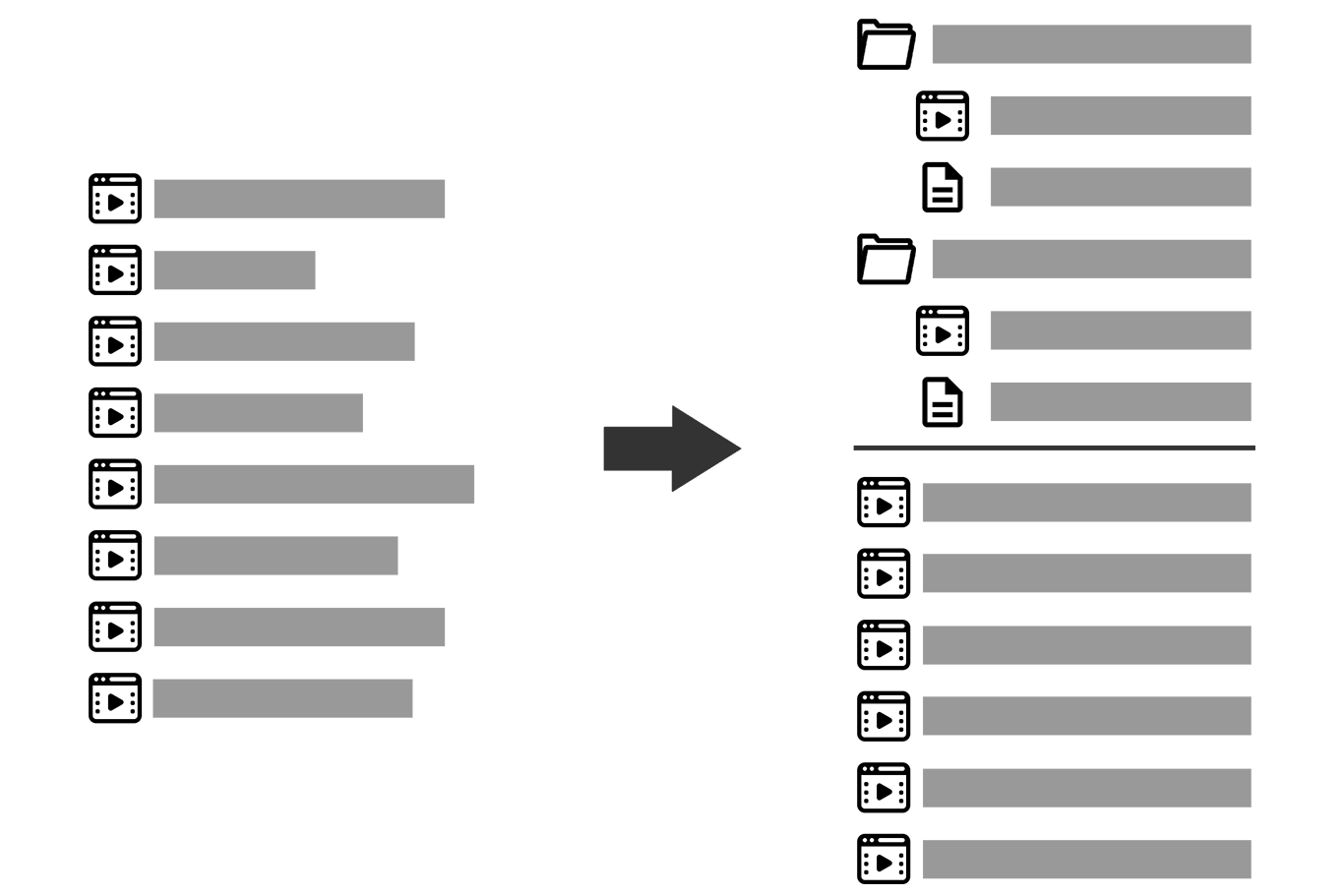
Prepare local movies and series with NFO files, posters, and organized folders before adding them to a media server.
Browse local metadata and posters directly, or check them before importing media to a server.
Read media through a mounted drive and keep metadata and artwork on local storage.
Browse media before setting up Emby, Jellyfin, or Plex. MDC reads movie metadata from existing NFO files and displays the matching local artwork, without creating cache files.
Open folders organized by MDC or other scraping tools; no full rescrape is needed.
Check metadata in a sortable list or browse covers in a poster wall.
Find media by title, actor, series, studio, genre, or tag.
Edit metadata, crop covers, or rescrape with a custom search name.

Manage scraping preferences in the cloud and sync them across clients for a consistent setup on every device.
Run MDC on Windows, macOS, or Docker depending on how your media library is hosted.
Test how MDC reads a filename before scraping and correct files that would match the wrong title.
Connect to more than 30 sources, including 17 general-purpose sources such as TMDB and FANZA/DMM, with configurable lookup order and custom URL scraping.
Refresh existing metadata files and artwork based on their age, or download only missing images.
Prepare organized folders and metadata that can be imported cleanly into Emby, Jellyfin, Plex, and more.
Choose move, symlink, hardlink, or STRM generation depending on whether your media lives on local disks, NAS, or mounted cloud drives.
Use single-file processing, cloud profile selection, local config selection, and scheduled background directory monitoring.
Use compatible OpenAI-style endpoints and models as a translation engine in cloud configuration.
Customize folder paths, output filenames, metadata titles, resolution variables, tags, watermarks, and field mapping.
Select files from the failure list, review their matches, and process them again without repeating the whole run.
Connect Emby or Jellyfin and fill in missing actor portraits using the server API.
Move matching subtitles beside each video, mark them in the NFO file, and optionally mark the cover.
When one site lacks actors or a synopsis, check other sources in order to complete the metadata.
Sync multiple cloud profiles to clients for different media types; one account supports up to three devices.
Write NFO files and artwork beside the original video, with optional renaming, or update existing metadata.
Register to try scraping for free. Subscribe for continued use and updates; browsing a local media library with existing metadata stays free.
Log in to view subscription plans