Emby media library
Organize a local media library for Emby
MDC scrapes information for your own local movies and series, organizes files, and saves metadata and artwork alongside them. You can then point an Emby library at the organized folders.
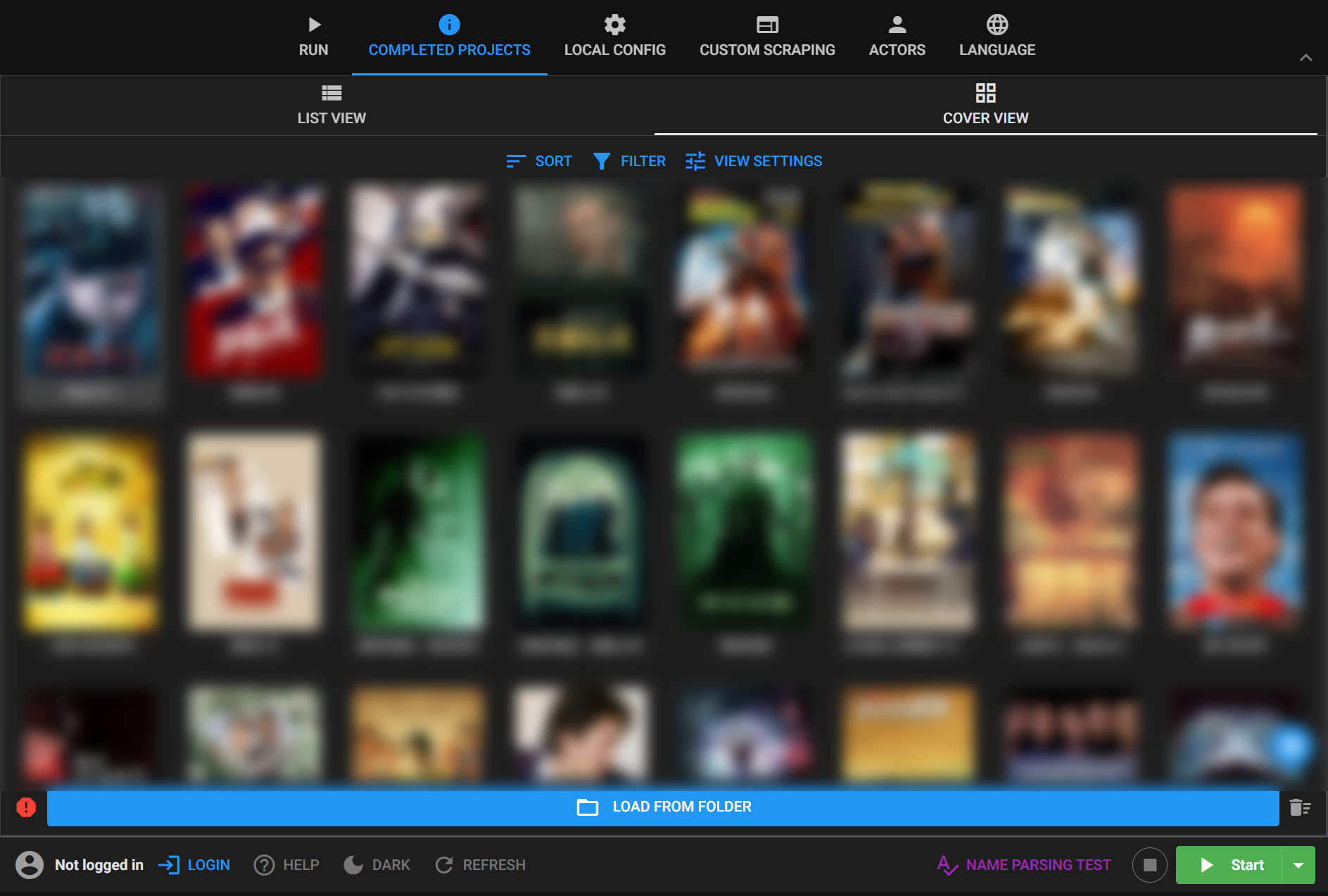
From local files to an Emby library
- 01
Choose your local folders
Select the movies or series already stored on your device or mounted storage. MDC does not provide video downloads.
- 02
Scrape and organize
Choose metadata sources and naming rules, then review matches, posters and other scraped information in MDC.
- 03
Add folders in Emby
Create or update an Emby library using the organized folders, then let Emby scan them. Check Emby's metadata and artwork settings if local files do not appear as expected.
What MDC prepares
MDC can standardize names and folder structure, fetch posters and covers, and manage metadata for a large local library. Its browser can also read existing NFO files and help correct a match before another scan.
How Emby uses the result
Emby performs its own library scan. Recognition and local metadata display depend on the Emby library type, naming conventions and metadata settings. Review a small sample before processing a large library.
Common questions
- Does MDC replace Emby?
- No. MDC prepares your local files and metadata; Emby manages and plays the library.
- Can I keep my current filenames?
- MDC offers organization modes that preserve filenames or update metadata and images in place. Choose the mode that fits your library before a batch run.