Plex Media Server
Prepare a library for Plex Media Server
A predictable folder structure and clear filenames help Plex Media Server match your local movies and series. MDC helps organize those files and review their metadata and artwork before Plex scans the library.
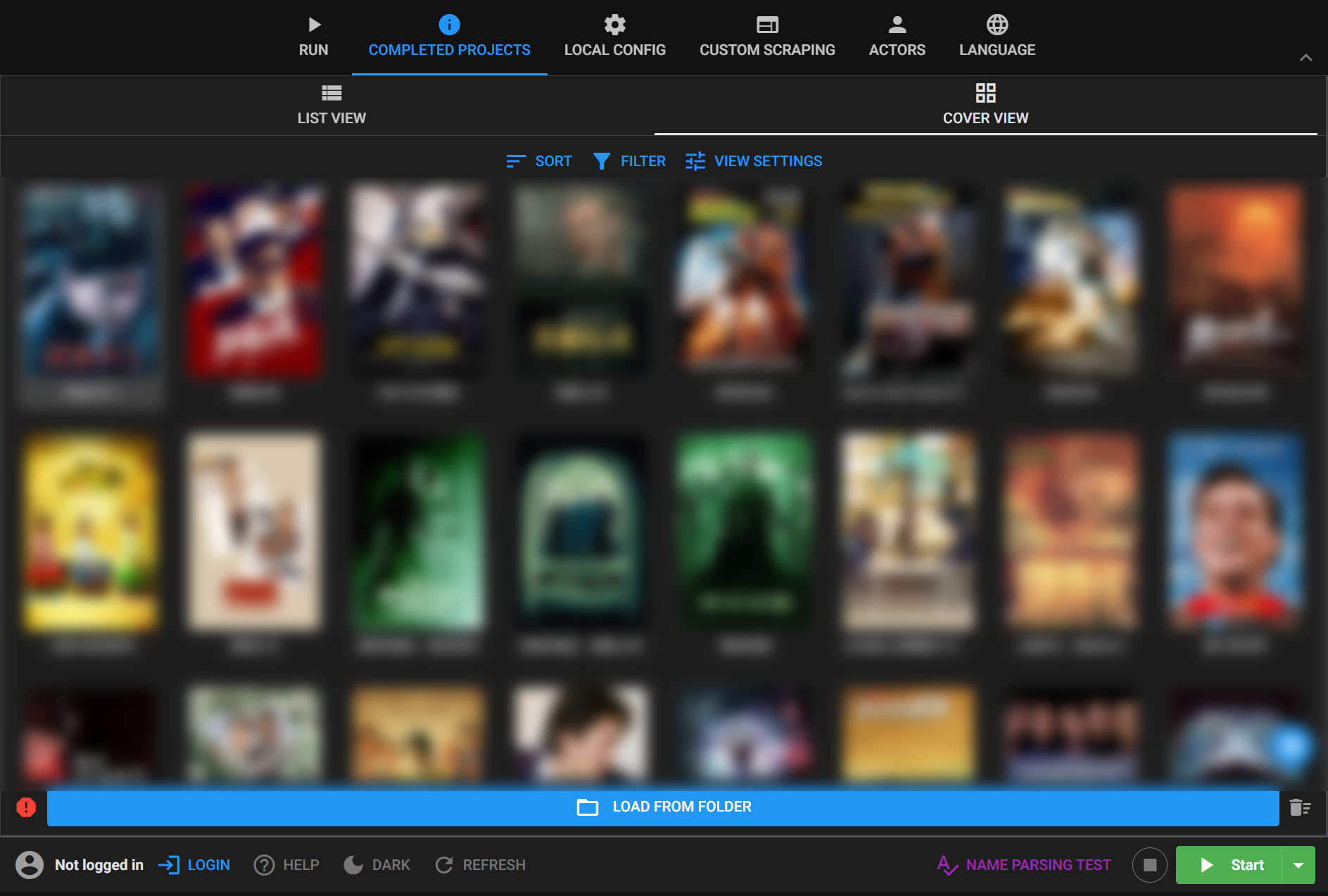
Prepare files before the Plex scan
- 01
Select your local media
Point MDC at movies or series you already own and store locally. MDC does not supply video files.
- 02
Set naming and matching rules
Organize folders and filenames, fetch artwork, and correct uncertain matches in MDC before importing a large collection.
- 03
Configure Plex and scan
Add the organized folders to the matching Plex library. First, install and enable the XBMCnfoMoviesImporter plugin for the Plex movie library.
Why prepare the library first?
MDC can rename and organize files, manage covers and posters, and inspect scraped metadata. This is useful when an existing library has inconsistent names or needs manual match corrections.
Plex metadata compatibility
Plex's default agents do not automatically recognize metadata organized and scraped by MDC. To use movie NFO metadata, install the XBMCnfoMoviesImporter plugin and enable it for the Plex movie library.
Common questions
- Does MDC connect to Plex directly?
- In this workflow, MDC organizes local files. Then add the corresponding folders to Plex Media Server so Plex can scan and add them to its library.