NAS media library
NAS media scraping
MDC can scrape movies and series stored on a NAS. Run the desktop client on a computer with access to the NAS share, or run the MDC Docker client on the NAS with the media and output folders mounted into the container.
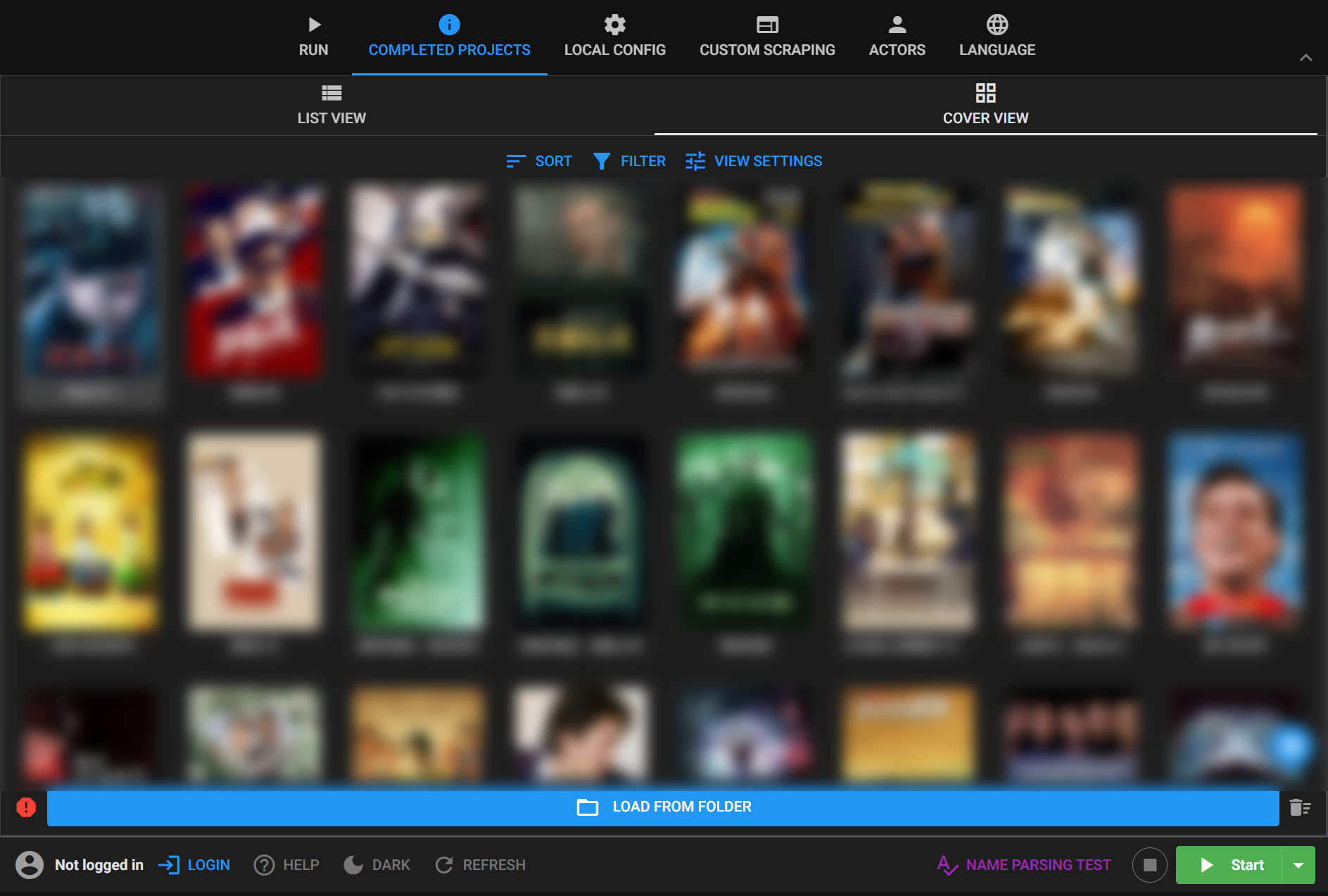
Connect a NAS library to MDC
- 01
Choose where MDC runs
For the desktop client, map the NAS share as a network drive on Windows or connect to the shared server on macOS. Alternatively, run the MDC Docker client on the NAS.
- 02
Select source and output
Choose the NAS media folder as the scrape source and the intended output folder. For Docker, mount both folders into the container and use their container paths in MDC.
- 03
Check a small sample
Confirm that MDC can read the source and write to the chosen output location. Review naming, metadata and artwork before processing the full NAS library.
MDC on a NAS library
MDC can scan accessible movies and series, fetch metadata and artwork, and organize output for a media server. Its naming and organization modes let you adapt the result to an existing NAS folder structure.
Windows, macOS and cloud mounts
Run the desktop client from the computer's local disk and access the NAS through its share, or run the MDC Docker client on the NAS with readable source and writable output mounts. For cloud-drive mounts, the guide recommends STRM mode and a local output folder.
How MDC scrapes media stored on a NAS
For Synology DSM, QNAP NAS, Feiniu OS (fnOS), UGREEN NAS and ZSpace NAS, either share the media folder and map it as a network drive on the computer running MDC, or run the MDC Docker client on the NAS. With Docker, mount the media source and output folders into the container, use those container paths in MDC, and check read and write permissions before scanning.
Common questions
- Does MDC need to run on the NAS?
- No. You can use the Windows or macOS client with an accessible NAS share, or run the MDC Docker client on the NAS with the required folder mounts and permissions.
- Is a NAS share the same as a cloud-drive mount?
- The source may look similar, but the MDC guide recommends local STRM output for cloud-drive mounts because of provider throttling. Choose settings for the actual storage type.